Most solar contractors run field work and design work in two different pieces of software. Surveyors and install crews use a solar site survey app like SiteCapture or CompanyCam, while designers work in a separate design tool. So someone in the office spends part of every week moving information between the two. They retype survey notes, dig through photo folders for the main service panel shot, and text screenshots of revised layouts to the install crews on the roof.
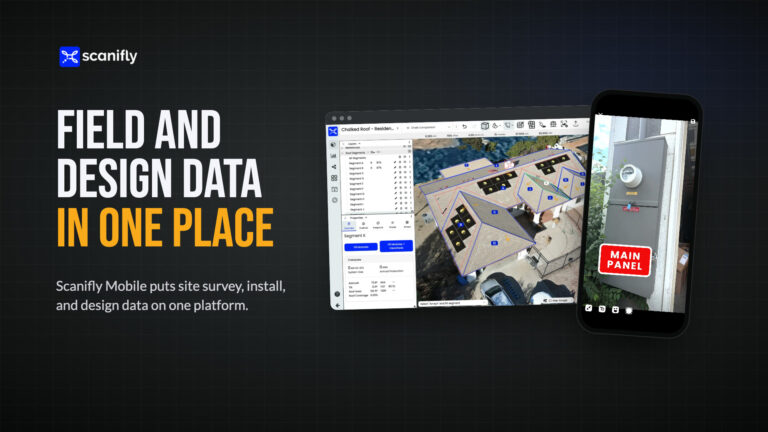
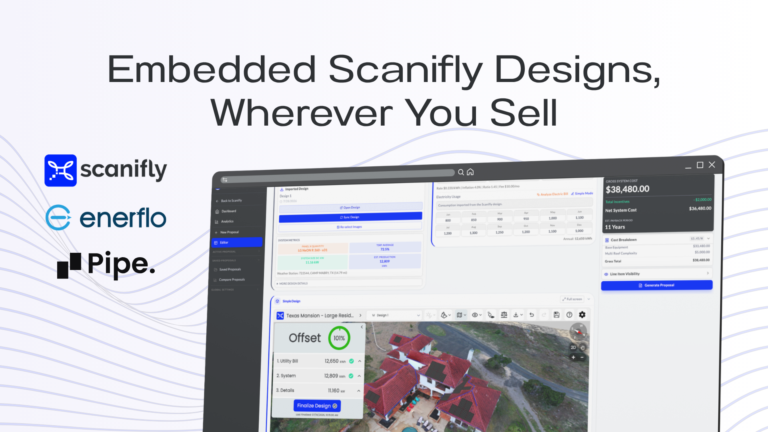
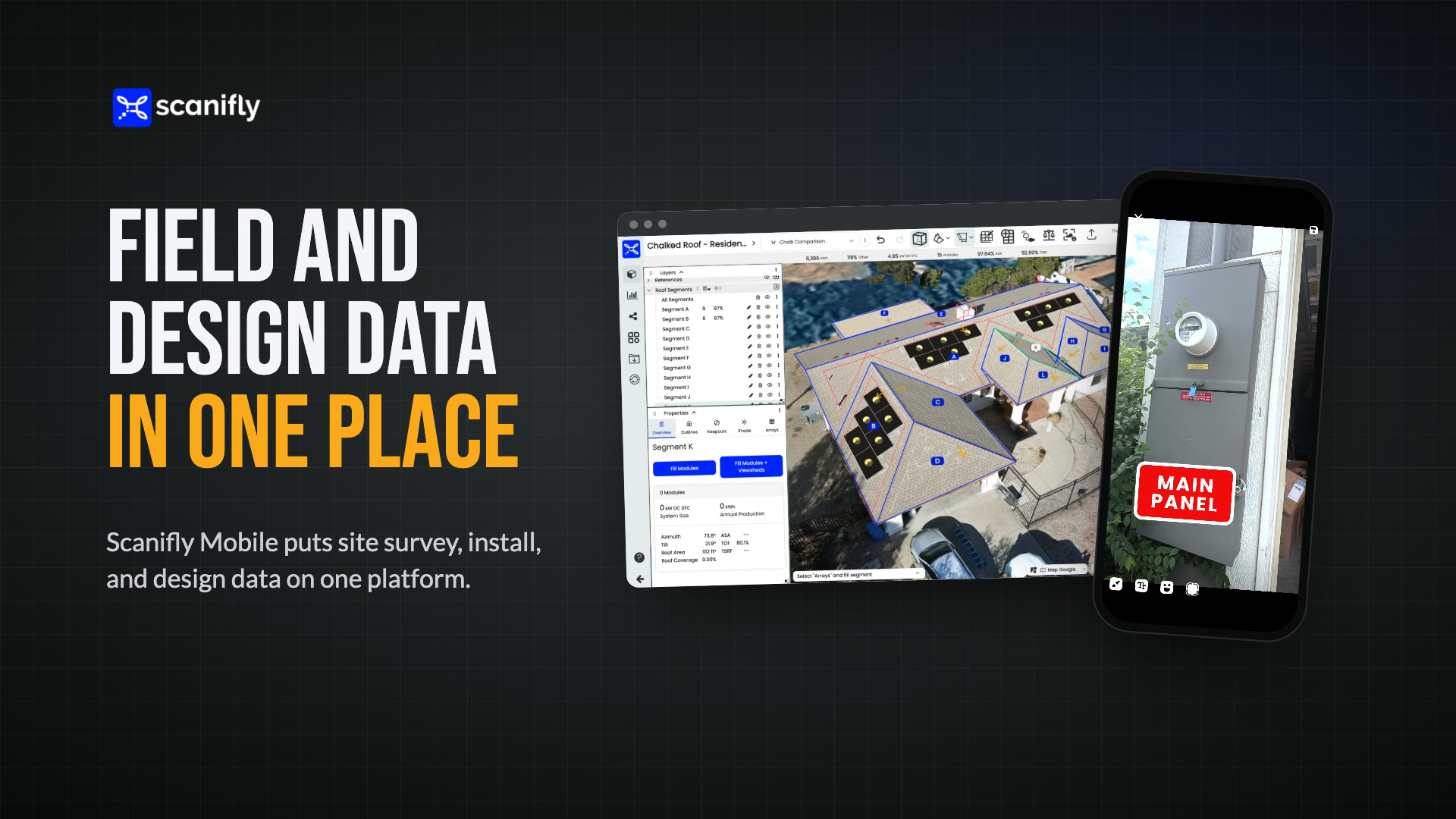
Scanifly Mobile can replace SiteCapture and CompanyCam, and it puts all of your field and design data on one platform. Because the app is part of Scanifly, your team saves site survey checklists, install photos, and drone images to the same project as the designs for that address. That same project is also home to the PrelimDesign, Proposal, and the DroneDesign™. Your team can open it on a phone at the property or on a desktop in the office, and everyone works from the same information.
Plus, we built the app specifically for solar work, and it comes with every Scanifly subscription.
What separate field and design software costs you
Keeping field data and design data separate creates room for error. Especially when you need accurate, comprehensive field data in order to produce accurate solar designs. Christopher Schroeder runs post-install funding at Skyline Solar, and he walked our team through a typical fitment call. The install crew calls from the roof, and Chris opens the design to move panels around until he finds a layout that works. Then they exchange screenshots by text until everyone agrees on the change.
When Chris saw a crew pull up the current design in Scanifly Mobile and mark it up on site, his reaction was simple: “I think that would cut down a lot of back and forth.”
The same gap exists earlier in the project, too. Someone has to retype attic measurements from a phone or handwritten note before an engineer can use them. A financing package means downloading photos from one system, sorting them, and uploading them to another. Each step creates a chance to lose a photo or copy a number incorrectly.
Field data and design data in one project
In Scanifly, every address is a single project that has everything for that property. That includes the sales design, proposal, the drone images and 3D model, the site survey and install checklists, plan sets, and every maintenance visit after that.
Jonathan Camarda, CEO of Skyline Solar, summed it up this way: his site survey photos, his 3D model, and his installation photos are all in the same project.
Because it’s all one project on one platform, your team can get to the information from the field or the office.
Design data in the field. Crews can pull up the PrelimDesign or DroneDesign™ overhead image while they’re on site. They can also open any other project photos and mark up the overhead with what they see at the property.
Field data in the office. Photos show up in the project on desktop as the crew uploads them. That way an operations manager can follow a survey or an install while it’s happening. Back in the office, your team can edit or finalize checklists on desktop or export them as a PDF photo report.
For fitment questions like Chris’s, the crew and the office look at the same layout instead of trading screenshots. Better yet, a DroneDesign built on the 3D model uses inch-accurate measurements from onsite drone imagery. That’s the most reliable way to keep those calls from happening at all.
Upload drone images before you leave the site
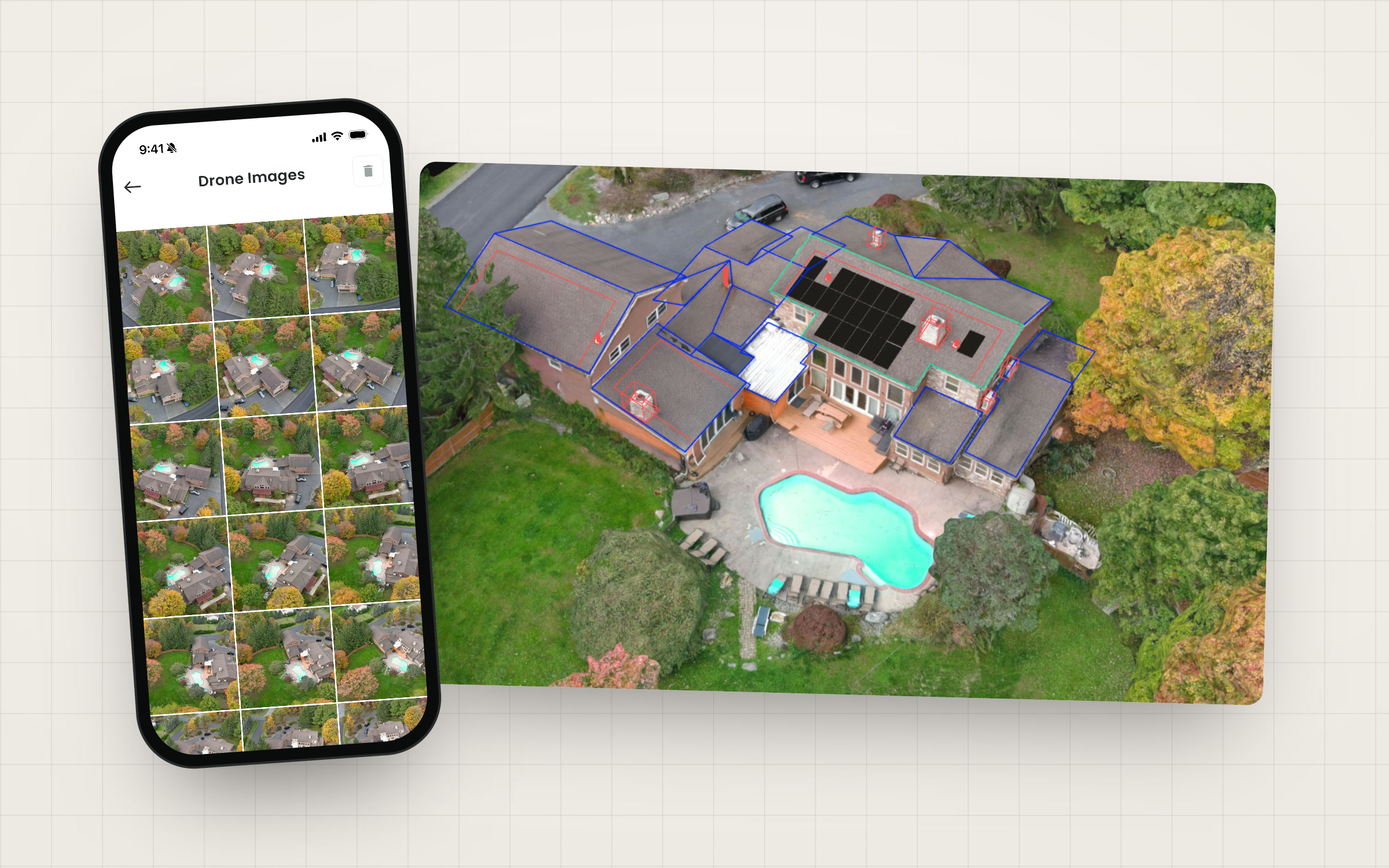
Scanifly Mobile is also how your team gets drone images from the field into Scanifly. After the flight, the surveyor plugs the drone’s SD card into a card reader on their phone. Then they pick the project and upload the images in a few clicks.
Scanifly automatically generates a photorealistic, to-scale 3D model from those images. Nobody has to drive an SD card back to the office before the design team can start on a DroneDesign.
Solar site survey app features built for the field
General photo apps are good at taking pictures and tagging them to a job. Solar surveys and installs ask for more than that. The person on site collects structural, electrical, and property information that designers, engineers, and financing teams all depend on later.
Scanifly Mobile includes tools made for that work:
- Customizable digital checklists. Build survey, install, and maintenance checklists that capture every structural, electrical, and property detail. Required fields keep a surveyor from submitting a report until every photo and note is in. You can also start from more than 10 pre-built checklist templates.
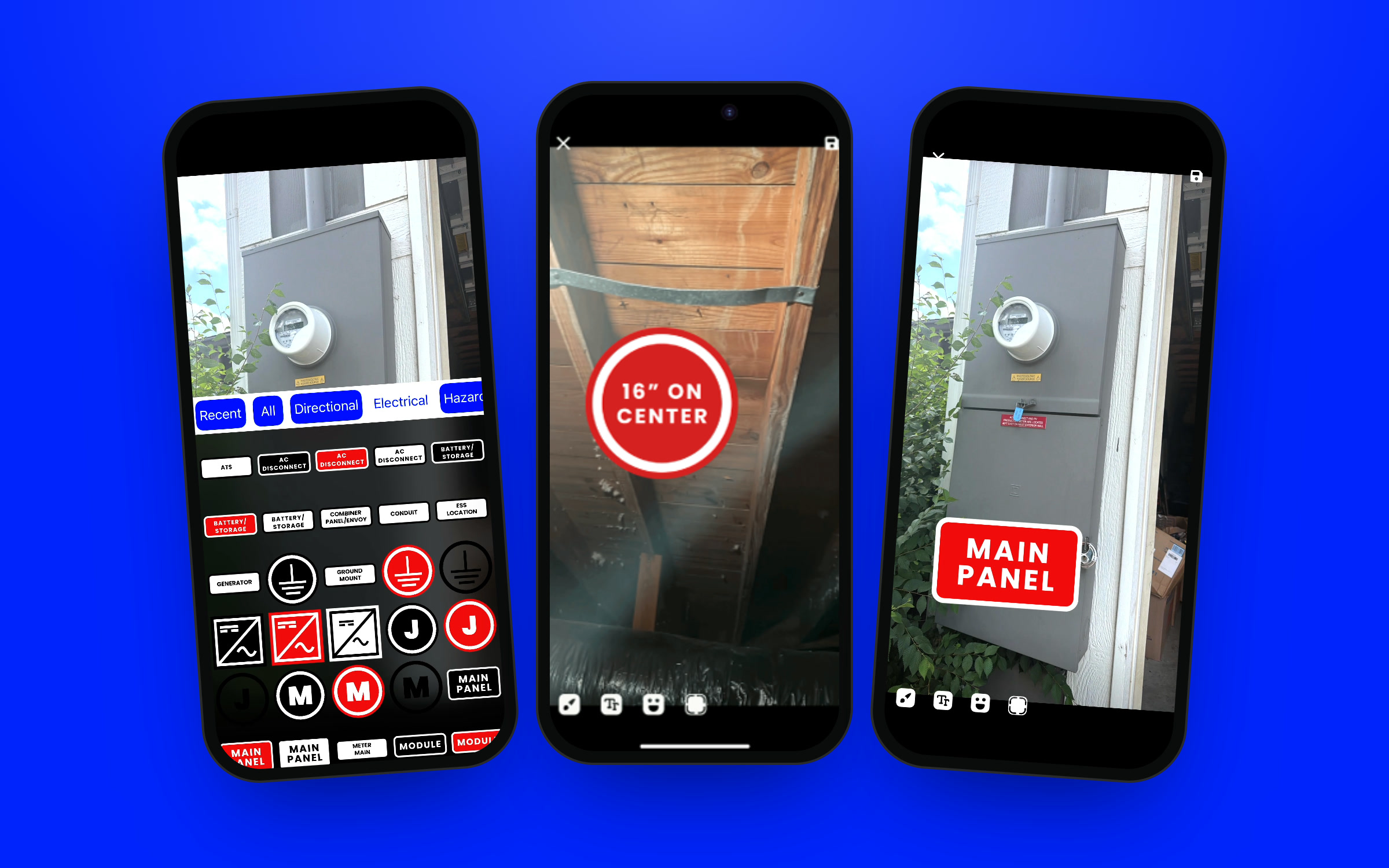
- Solar stickers and free-form annotation. Add electrical, hazard, and directional labels to any photo. In the attic, drop a “16 inches on center” sticker on a rafter shot instead of typing it out. Free-form drawing and text notes cover everything else.
- Tilt and azimuth from the phone. Hold the phone against the roof sheathing and tap once to add the tilt to the photo as a sticker. The app reads azimuth too, so the surveyor can check it against the 3D model.
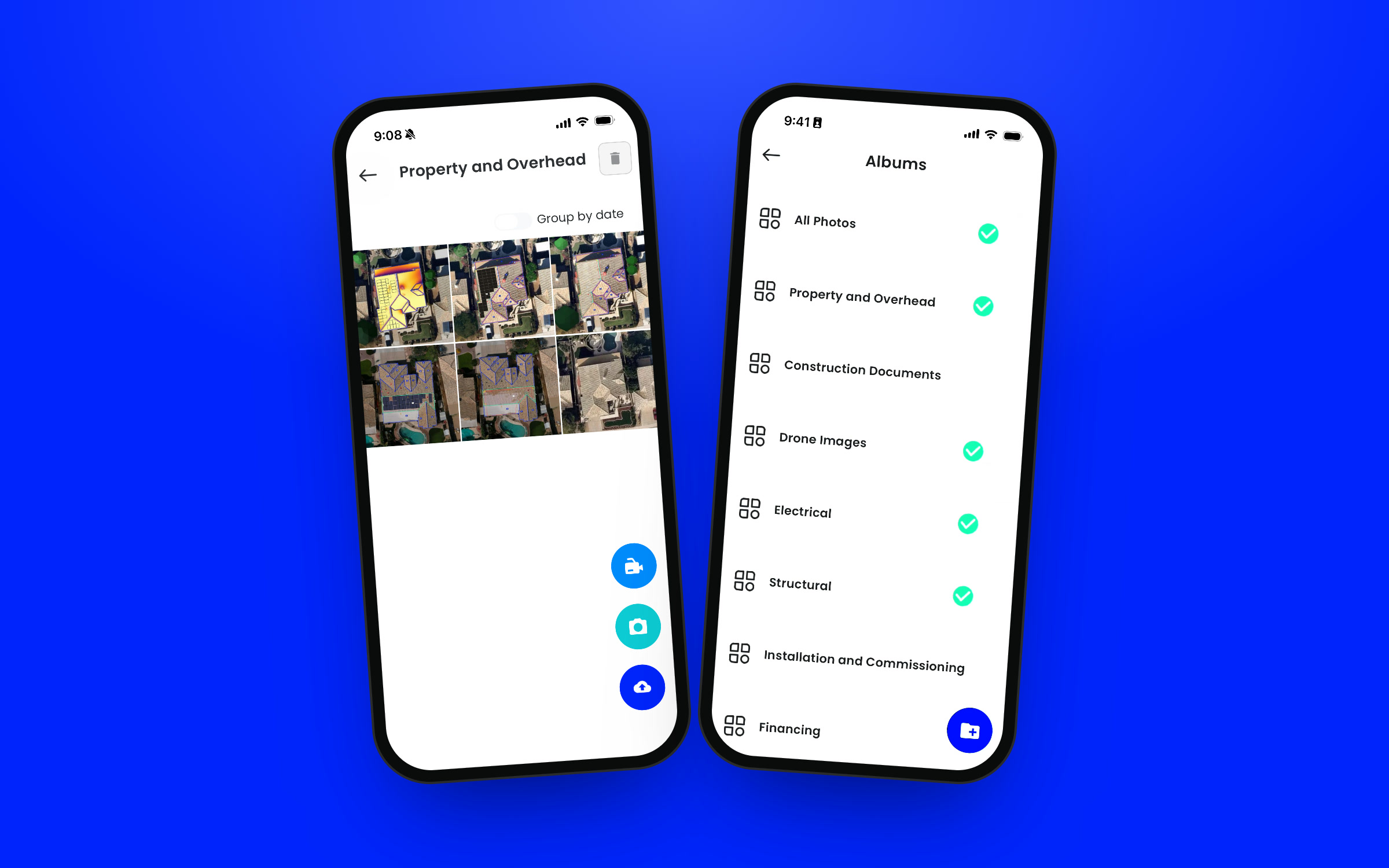
- Photos organized into albums. One main service panel photo can go into the survey, electrical, and financing albums at once. Any album exports as a PDF, which saves a lot of sorting for strict TPO and lender packages.
- Sort by proximity. The correct project is a click away when the crew pulls up to the job site. That keeps photos under the right address.
Moving off SiteCapture or CompanyCam? Send us your current checklist templates, and our team will set them up in your account.
One project for the life of the system
Scanifly prices by address, not by the number of checklists or site visits. So a project can keep growing without adding to your cost. As Jason Steinberg, Scanifly’s CEO, put it: “You can use this for 30 years of service calls and you’re not really adding to your subscription.”
The survey, the install, a battery add-on, the inspection, and every annual maintenance visit become checklists on the same address. The design and 3D model are right there for whoever opens the project next.
The app also fits the way larger teams work. You can add subcontractors as users and limit their permissions to field work. Your CRM can create projects automatically, and a crew member can open the right checklist from a single link. For teams that want to automate more, webhooks and APIs can generate album PDFs and send specific photos where they’re needed.
Every Scanifly subscription comes with Scanifly Mobile. It runs on iOS and Android with the same login your team uses on desktop. Download it on the App Store or Google Play. You can also book a demo to see how it works with your designs.
Frequently Asked Questions
What should a solar site survey app include?
At minimum, look for customizable checklists, required fields, and photos organized by project. For solar work, you also want electrical and structural markup tools, tilt and azimuth capture, and photo albums for financing packages. A direct connection to your design software matters most, because it gets field data to the designer without anyone retyping it.
Can Scanifly Mobile replace SiteCapture or CompanyCam?
Yes. As a solar site survey app, Scanifly Mobile handles site survey, install, and maintenance checklists and photo documentation. It also saves everything to the same project as your Scanifly designs. Send your current checklist templates to our team, and we’ll set them up in your account.
Is Scanifly Mobile free?
Every Scanifly subscription comes with Scanifly Mobile. Your team logs in with their existing Scanifly account.
Does Scanifly Mobile work on Android?
Yes. Scanifly Mobile is available on iOS and Android.
How do drone images get from the field into Scanifly?
Plug the drone’s SD card into a card reader connected to your phone. Then open Scanifly Mobile, pick the project, and upload. Scanifly automatically generates a photorealistic 3D model from the images.